Heights and reach
The Desk
A desk is comfortable when everything you use often sits within easy reach, at heights that let the shoulders drop and the neck stay long.
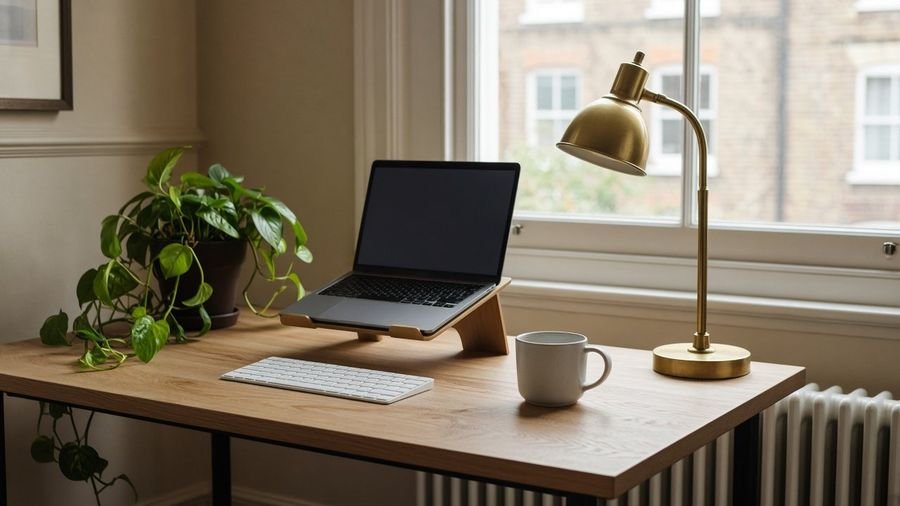
Desk height
With the shoulders relaxed and the elbows bent to about a right angle, the forearms should rest roughly level with the desk or keyboard. Many standard desks sit somewhere around 72 to 76 centimetres high, which suits a lot of people with an adjustable chair. If the desk is fixed and too high, raise the chair and support the feet.
The screen
The top of the screen at around eye height and about an arm’s length away keeps the head balanced over the shoulders. A laptop on its own almost always sits too low; a stand or a stack of books with a separate keyboard and mouse solves most of it.
Keyboard and mouse
Keep the keyboard close enough that the elbows stay by your sides, with a little space in front of it to rest the wrists between bursts of typing. Put the mouse right beside it rather than at the far edge of the desk.
The chair
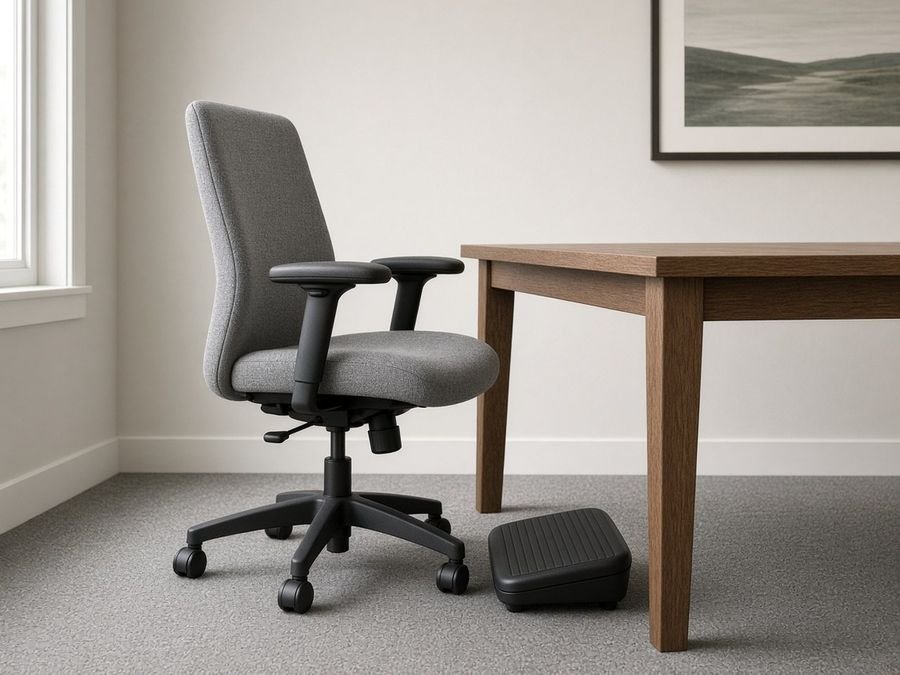
Adjust the seat height first, then the backrest so it meets the lower back. Feet flat on the floor or on a footrest, thighs roughly level, and arms that slide under the desk rather than holding you away from it.
Standing desks
Standing for part of the day can be a welcome change, but standing all day brings its own aches. The useful part is changing position often, whatever the desk.
Breaks
Short, frequent breaks from the screen are better than one long one. Stand up, walk to the kettle, look out of the window. For people who use screens for work, UK health and safety guidance from the Health and Safety Executive covers workstation assessments and breaks in more detail.